How to turn notes into a quiz for free
Last updated September 29, 2026
Class notes are the most useful study material a kid owns. They're the version of the chapter the teacher actually emphasized. They're also the easiest thing to study badly, because reading them over again feels productive while very little sticks.
Turning the notes into a quiz fixes that, and with a photo it takes about as long as reading them once.
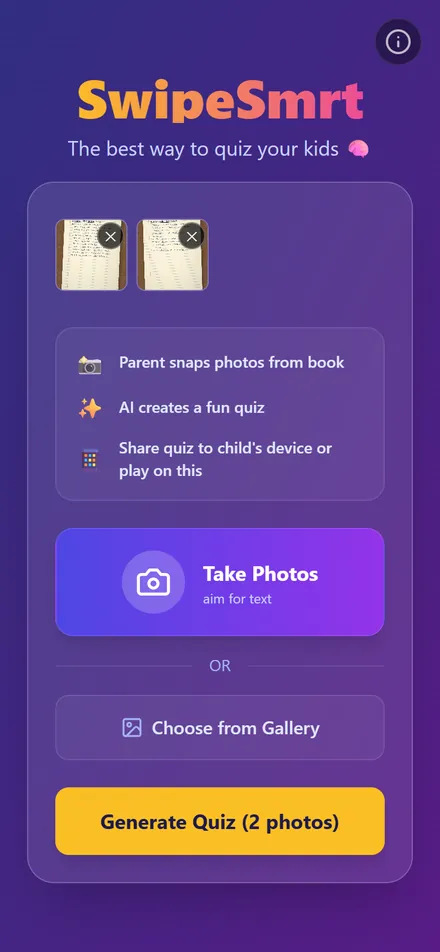
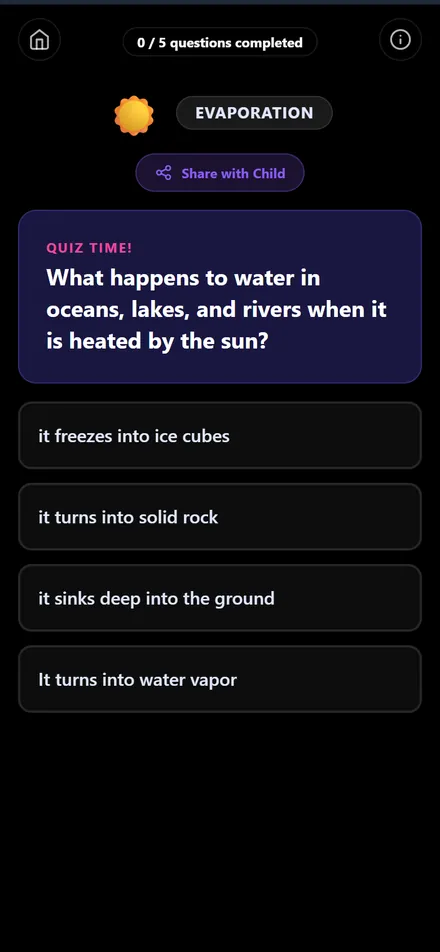
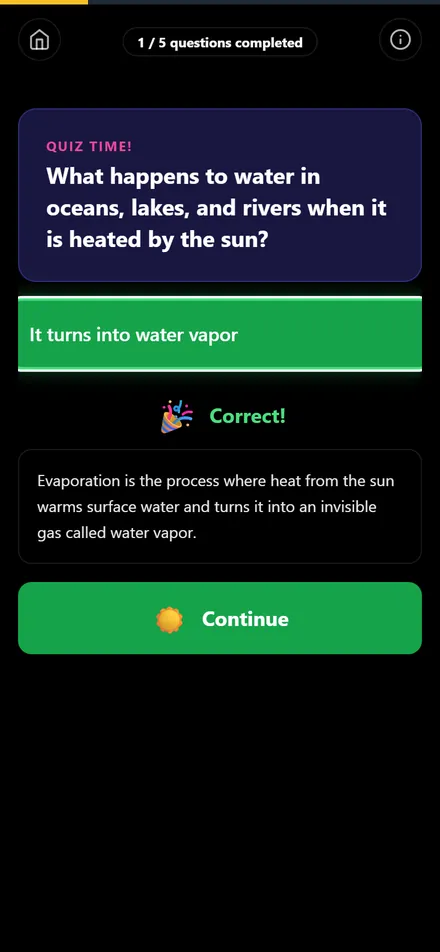
Step by step
- Open swipesmrt.com on your phone.
- Photograph each page of notes, one page per photo.
- Tap Generate Quiz and start answering.
The example above is two pages of water cycle notes. The quiz asked about evaporation, condensation, groundwater and why clouds form where it's colder, all things that were on the page.
Which notes work
- Notebook pages, handwritten or printed.
- Handouts and worksheets from class.
- A photo of the whiteboard before it gets wiped.
- Notes typed on a computer: take a screenshot and add that.
Messy handwriting mostly works, with a few catches. We tested what happens with rushed class notes in can AI turn messy handwritten notes into a quiz.
Why a quiz beats rereading
Pulling an answer out of memory strengthens it in a way that looking at the answer doesn't. Rereading notes mostly makes them feel familiar, and familiar is not the same as remembered. That difference is the whole idea behind active recall, and a quiz is the easiest way to do it without a study partner.
When to do it
The same day the notes were taken is ideal. It's quick, and if the quiz comes out thin in one spot, that's usually a sign the notes are thin there too, while the lesson is still fresh enough to fix it. Then run the quiz again a couple of days later, and once more before the test.
Common questions
Can it read my handwriting?
If another person could read it, usually yes. Very faint pencil or tiny cramped writing is where it struggles, so good light helps more than anything.
What if my notes are in Swedish or another language?
The quiz comes back in the language the notes are written in. You don't have to set anything.
Do I have to save the quiz somewhere?
No. If you want to take it again later, or send it to someone, tap Share with Child to get a link that stays up for 30 days.
See it in action
Turn textbook pages into a quiz in 30 seconds (0:42). Transcript and more videos