Video guides
Last updated September 29, 2026
Each of these is under a minute and recorded in the real app, with a real quiz generated on screen. Start with the first one if you've never used SwipeSmrt. If you'd rather read, the written guides go into more detail.
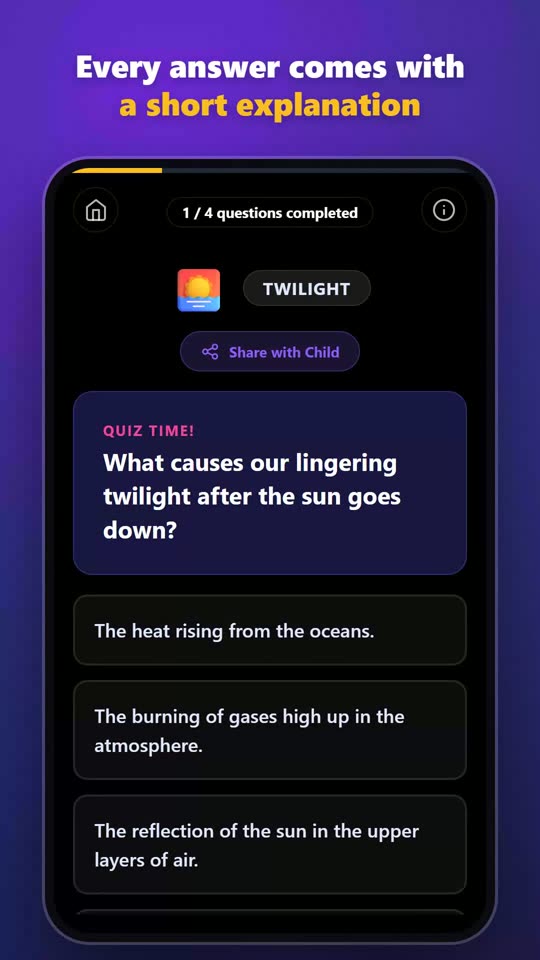 Turn textbook pages into a quiz in 30 seconds
The whole routine in under a minute, from photo to finished quiz.
0:42
Turn textbook pages into a quiz in 30 seconds
The whole routine in under a minute, from photo to finished quiz.
0:42
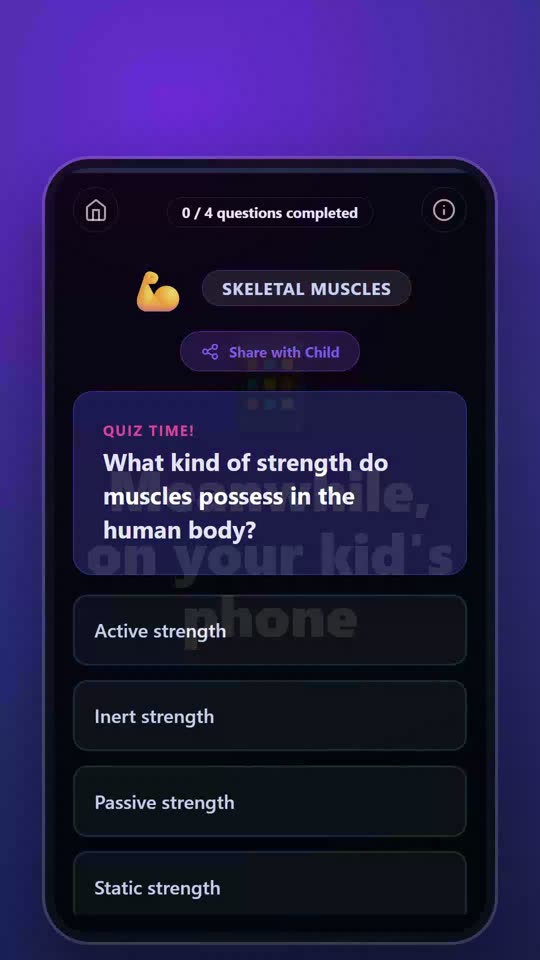 Send a quiz to your kid's phone
Make the quiz on your phone, then send it to theirs with one link.
0:54
Send a quiz to your kid's phone
Make the quiz on your phone, then send it to theirs with one link.
0:54
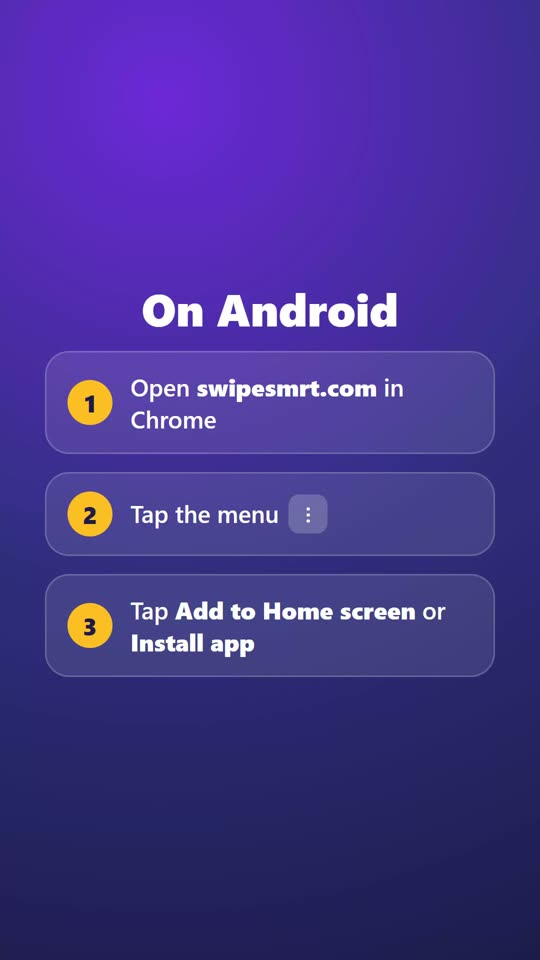 Add SwipeSmrt to your home screen like an app
No App Store needed. How to put it on your home screen on iPhone and Android.
0:44
Add SwipeSmrt to your home screen like an app
No App Store needed. How to put it on your home screen on iPhone and Android.
0:44
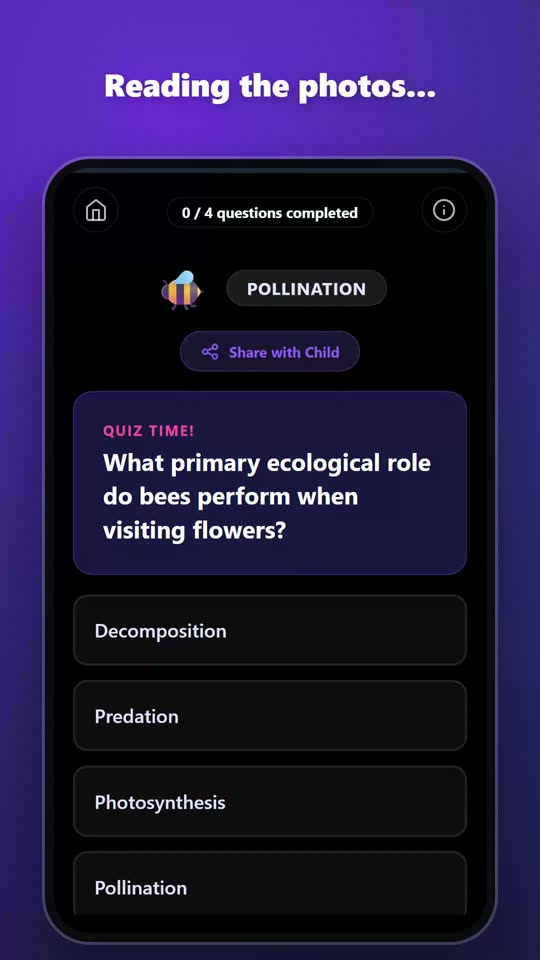 Turn any photo into a quiz, no textbook needed
Two bee photos from a walk become a quiz about pollination.
0:20
Turn any photo into a quiz, no textbook needed
Two bee photos from a walk become a quiz about pollination.
0:20